Build and run from your phone
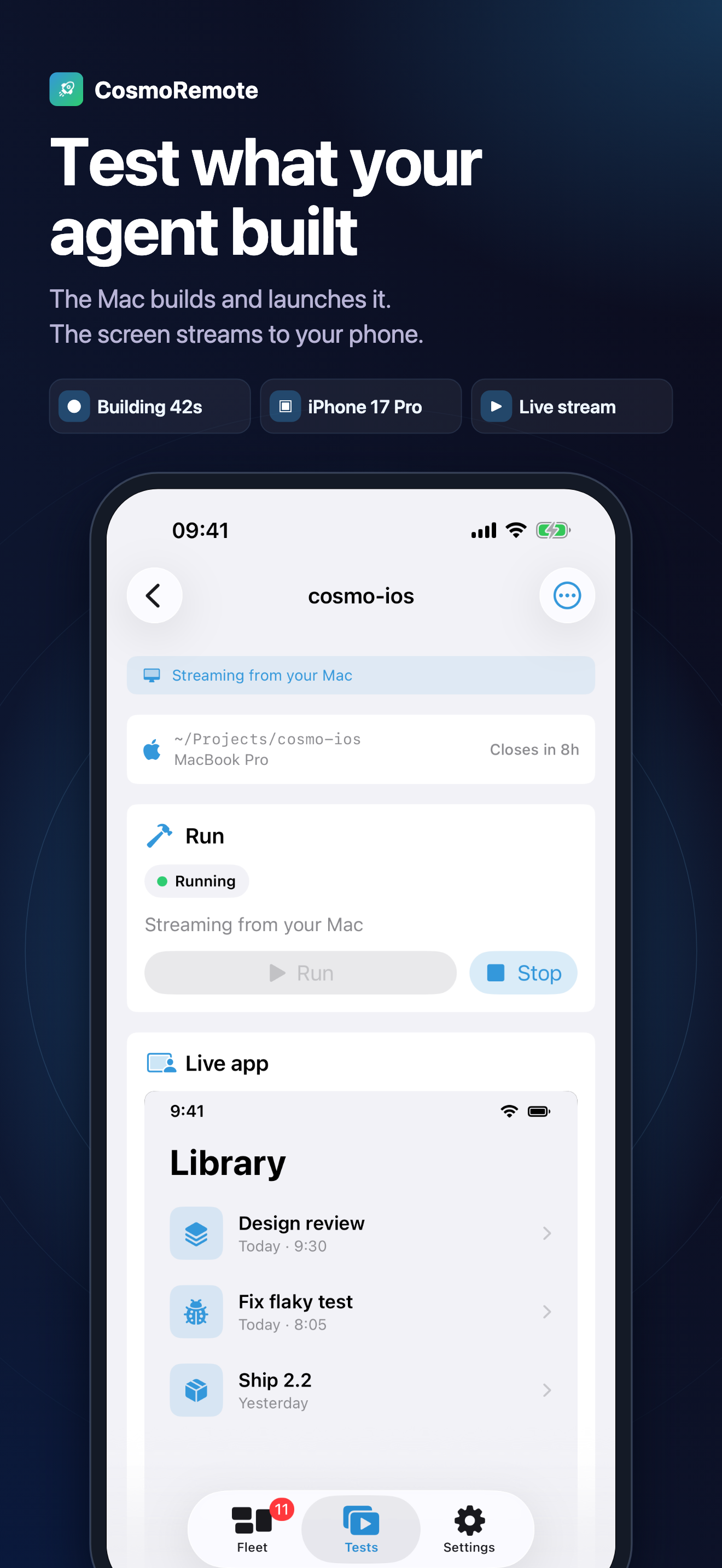
Pick a project, a platform and a simulator or emulator. The Mac builds, installs, launches it and streams the screen to your phone.
CosmoRemote runs on your Mac, with your project on it; the phone is the remote. You pick a project and a simulator, the Mac builds, installs and launches it, and the screen streams to you. Tap through the change, read the build log, hit your local API, then send the next prompt knowing what actually broke.
Needs a Mac
CosmoRemote runs on your Mac and your phone is the remote. Run these two commands on the Mac first:
$ curl -fsSL https://cosmoremote.com/install.sh | sh
$ cosmoremote start
iPhone, iPad and Android are all live. Pick your store below.
2 commands
to connect your Mac
QR
quick pairing to your Mac
Free
on your home network
What you get
Everything below happens on your Mac. Your phone just shows the result.
Pick a project, a platform and a simulator or emulator. The Mac builds, installs, launches it and streams the screen to your phone.
Tap, swipe and type on the stream. Input goes straight back to the simulator.
Your local dev server opens inside the app through the Mac bridge.
Send requests to the backend on your Mac and see status, headers, timing and history.
Next to the stream, so a failed build is readable from the phone.
Run cosmoremote start on your Mac, scan the QR, done. Local use needs nothing else.
Off your network, the app relays through an encrypted backend. Free covers testing on your home network with one Mac.
Claude Code, Codex, Cursor or a terminal, with history, so you can send the next prompt with the result in front of you.
Latest store screens
Every screenshot here comes from the newest synchronized App Store export for this locale.
The Mac builds and launches it. The screen streams to your phone.
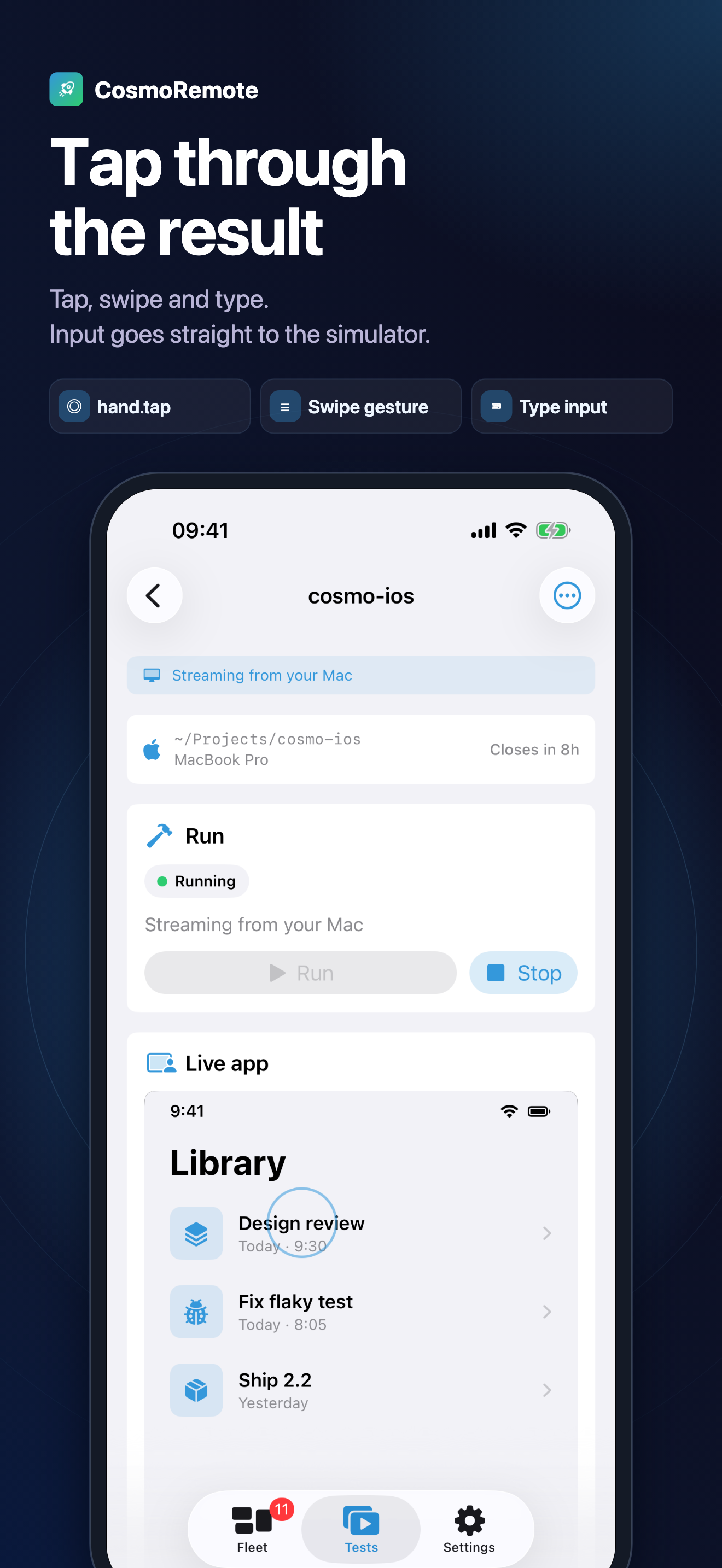
Tap, swipe and type. Input goes straight to the simulator.
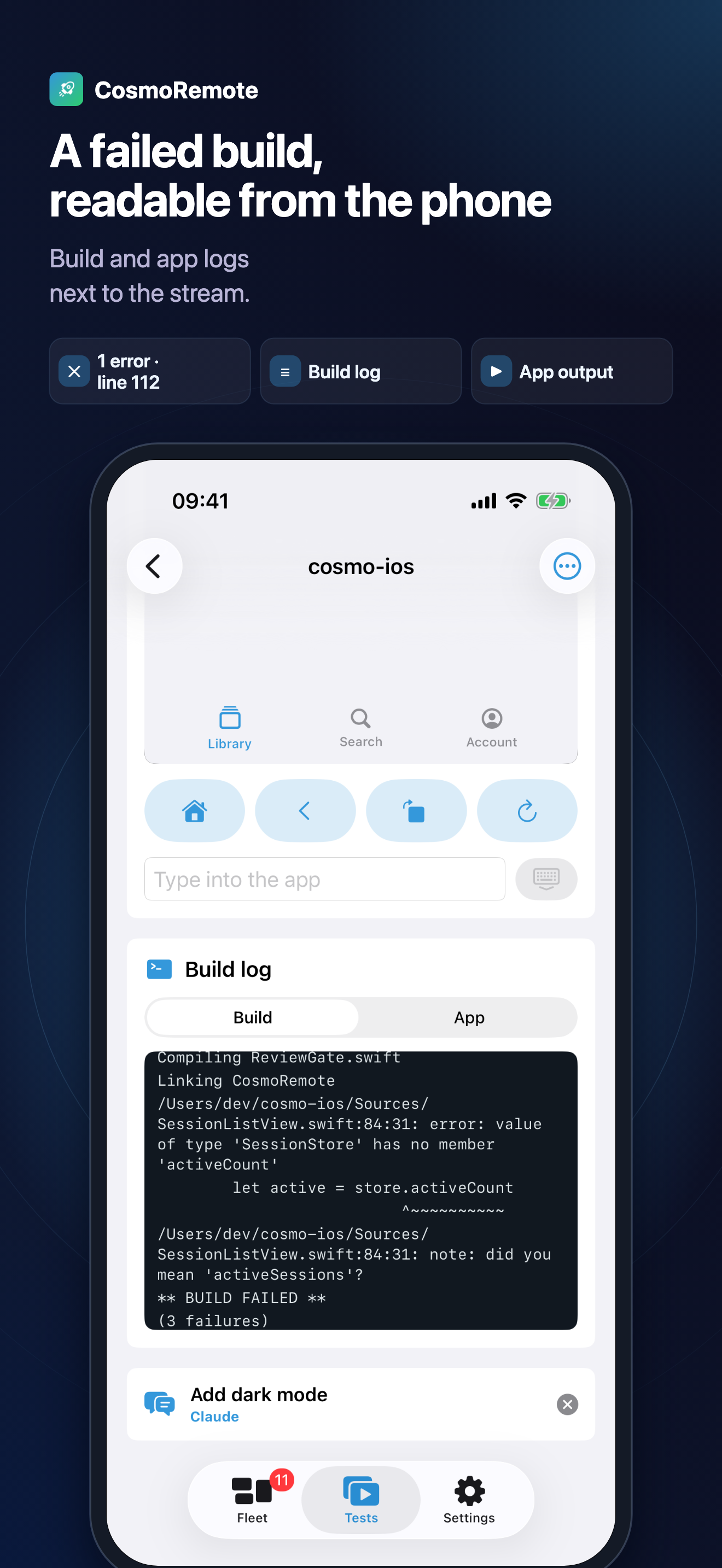
Build and app logs next to the screen.
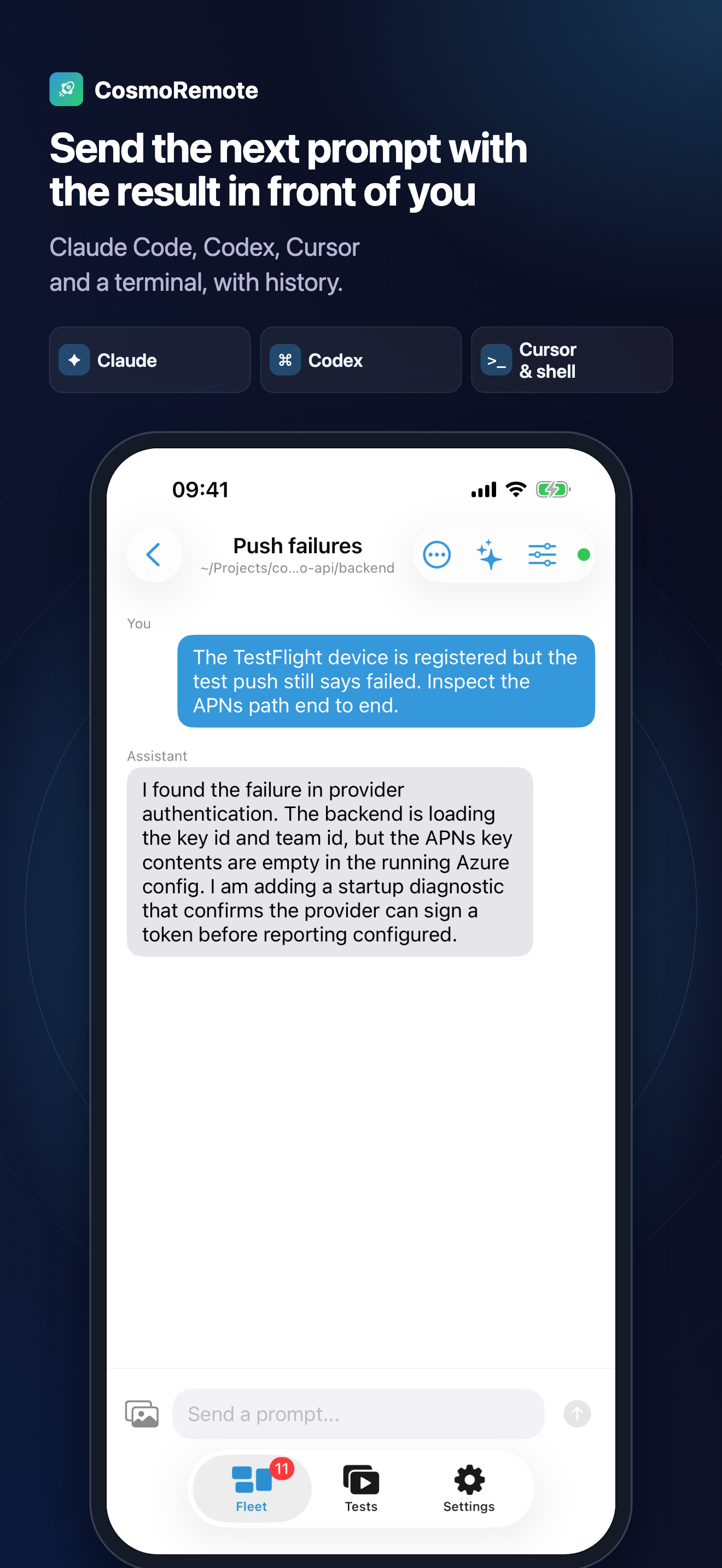
Claude Code, Codex, Cursor and a terminal, with history.
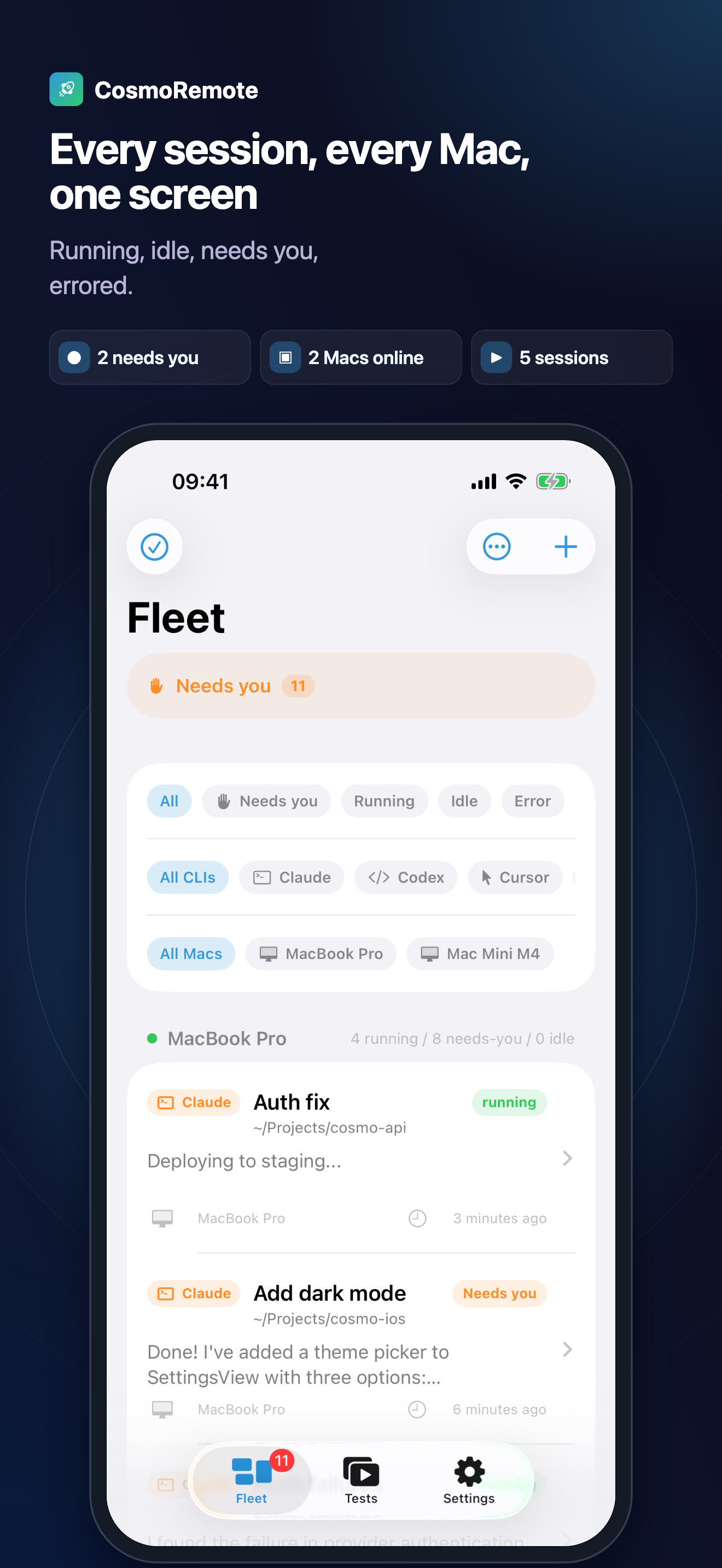
Running, idle, needs you, errored.
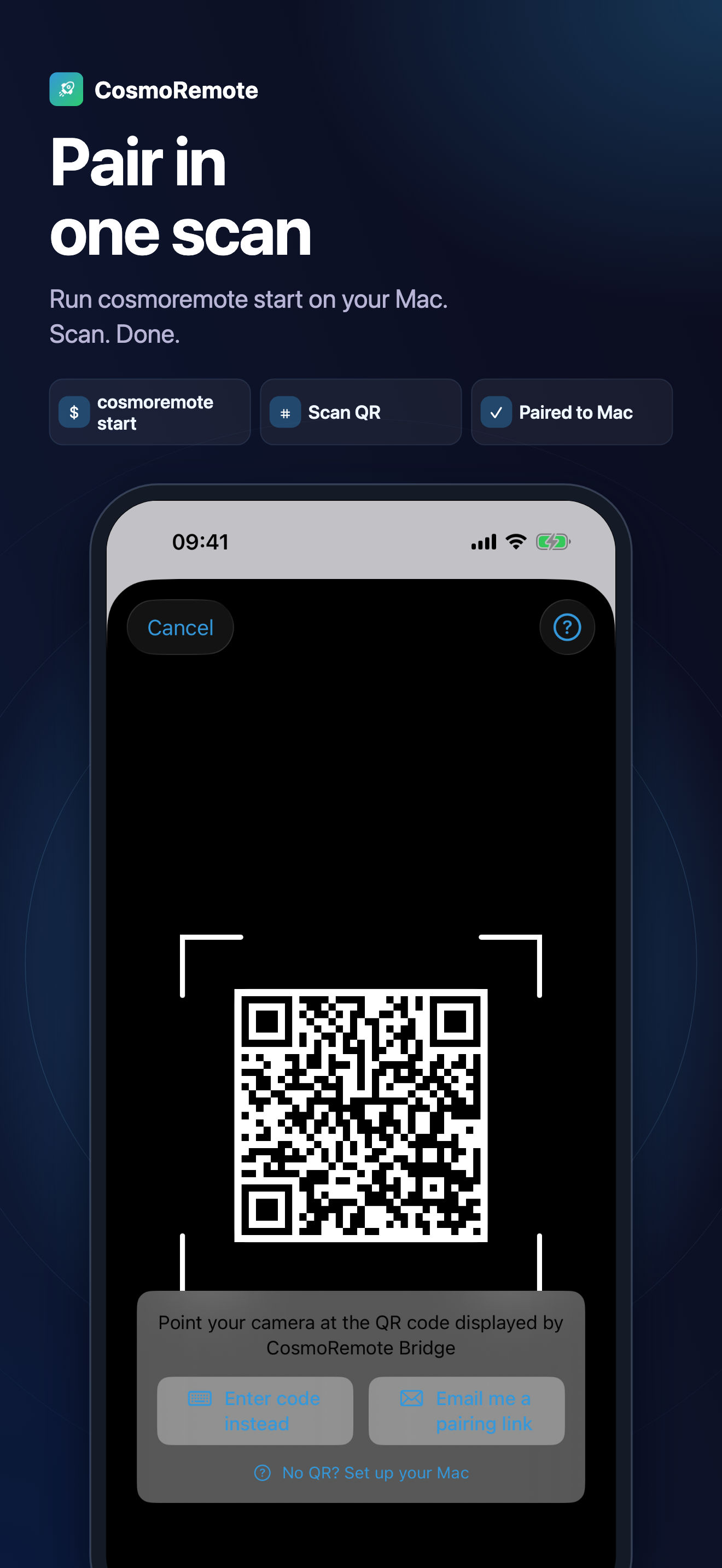
Run cosmoremote start on your Mac. Scan. Done.
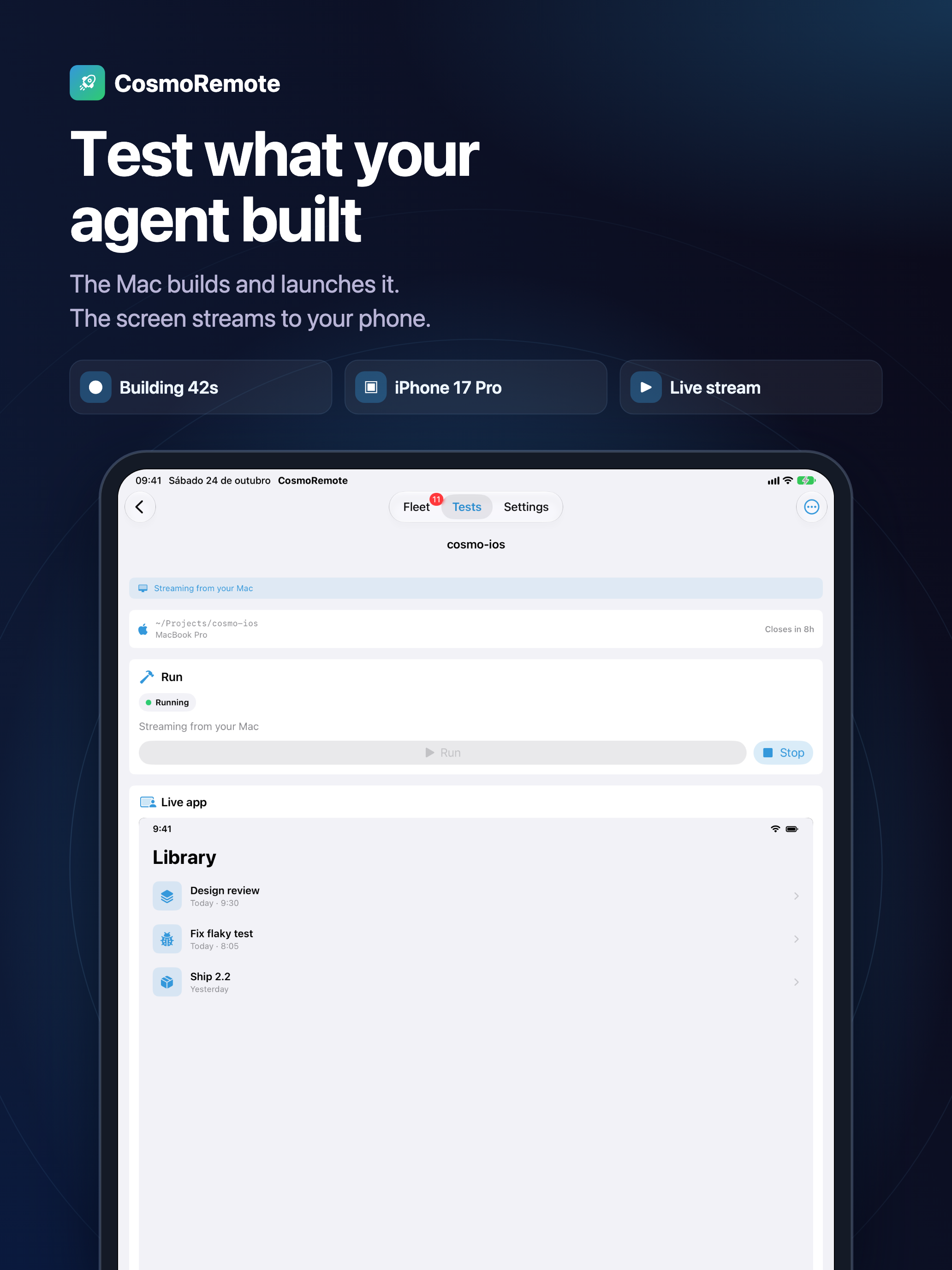
The Mac builds and launches it. The screen streams to your phone.
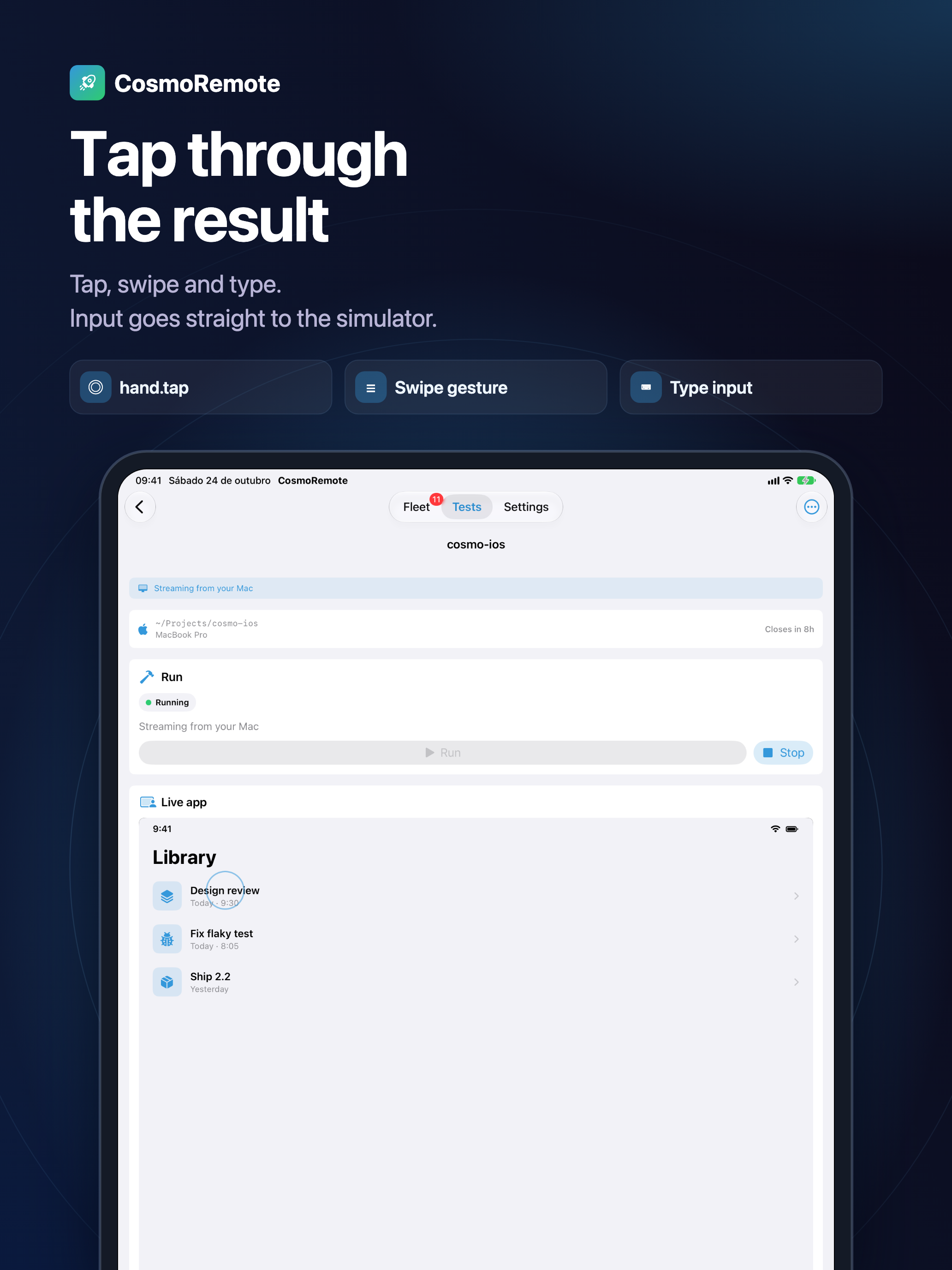
Tap, swipe and type. Input goes straight to the simulator.
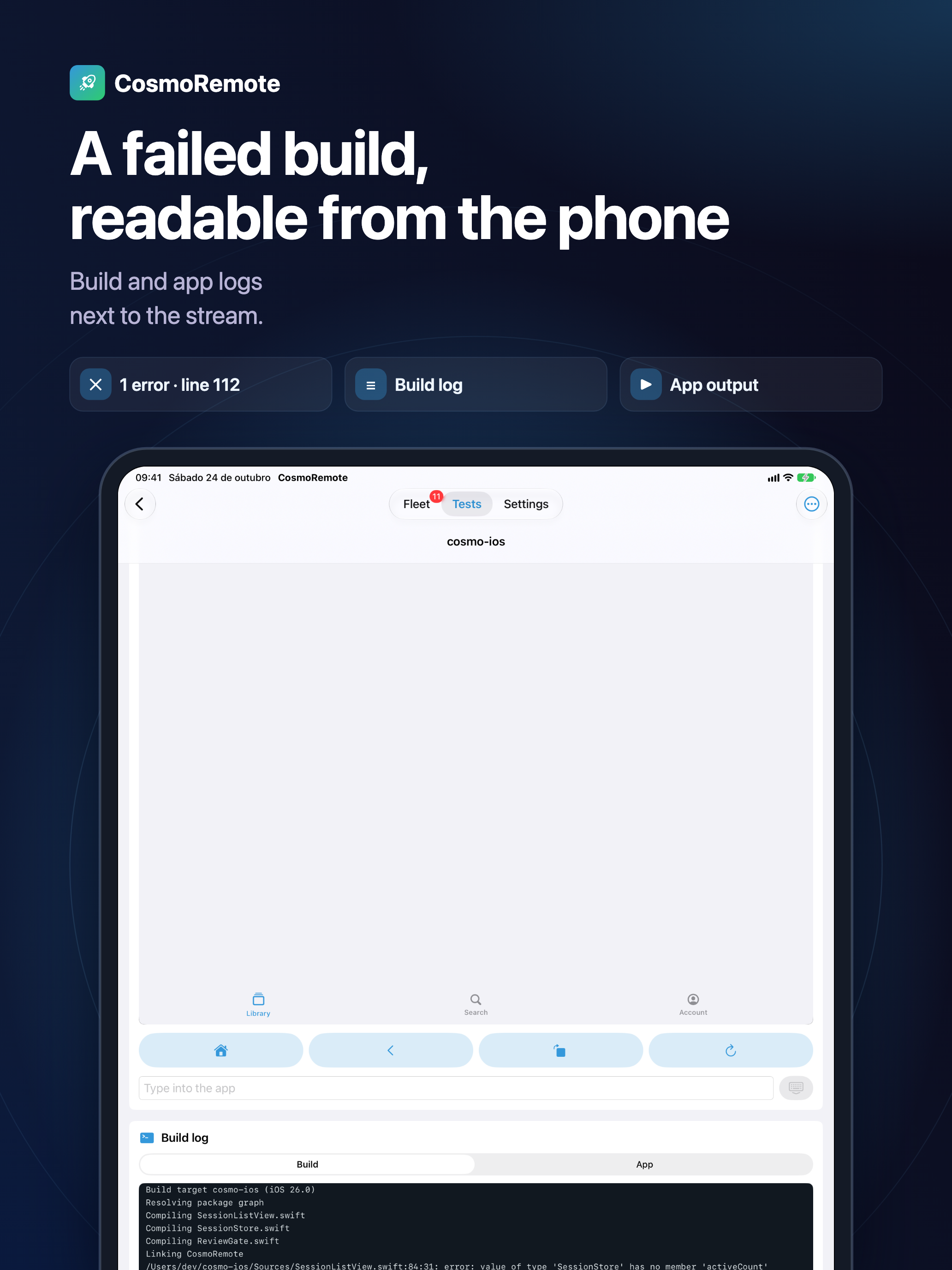
Build and app logs next to the screen.
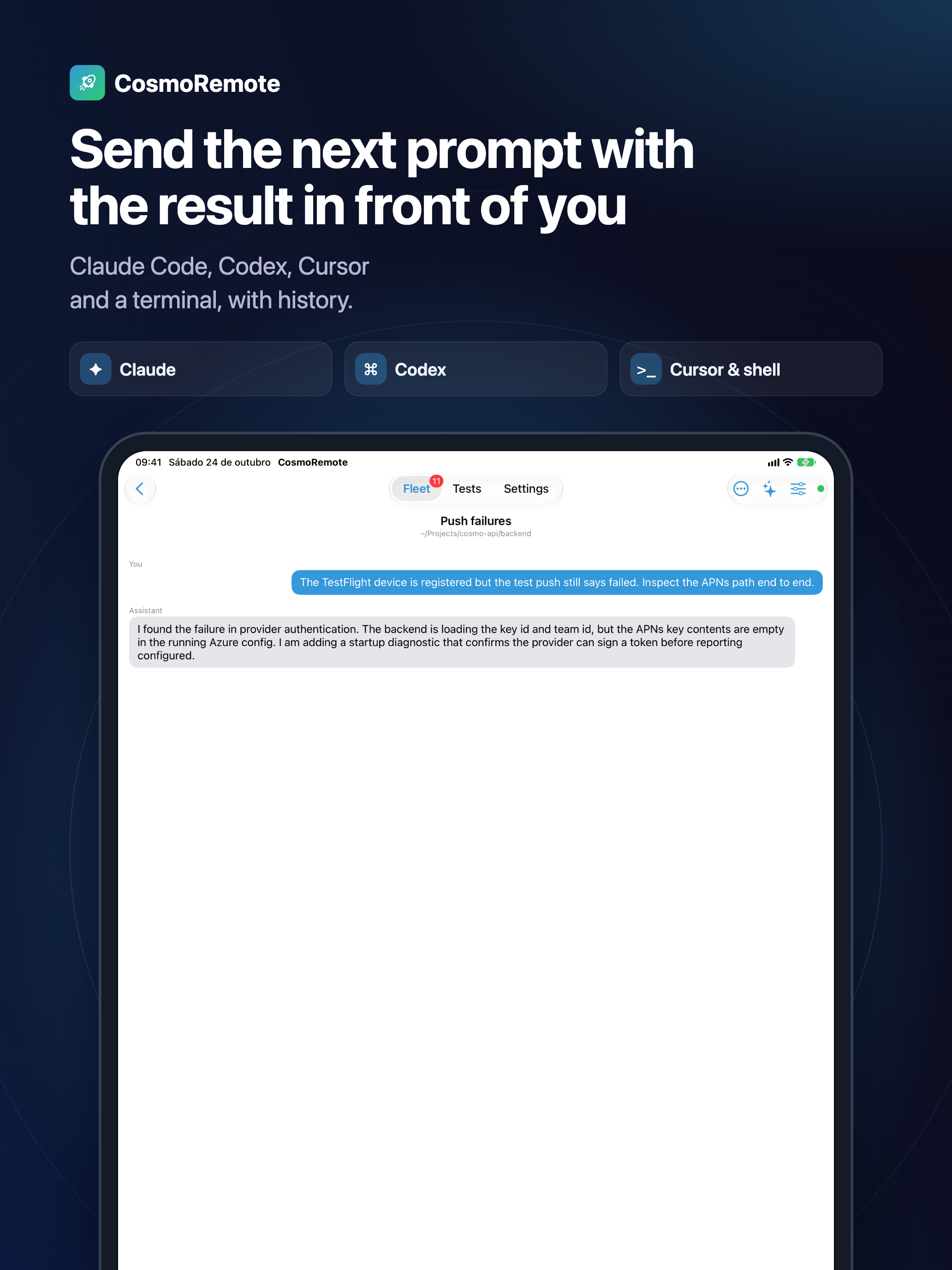
Claude Code, Codex, Cursor and a terminal, with history.
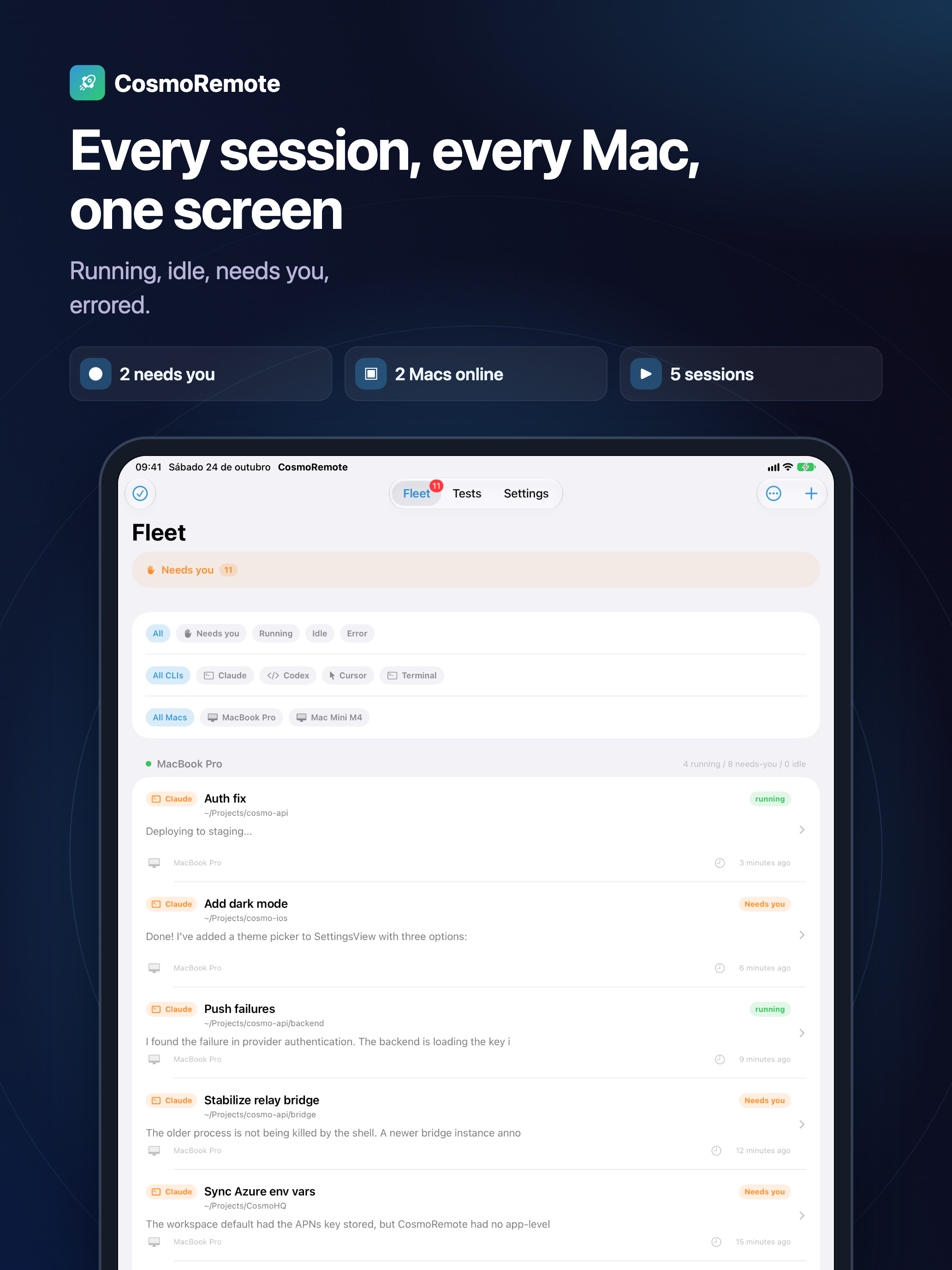
Running, idle, needs you, errored.
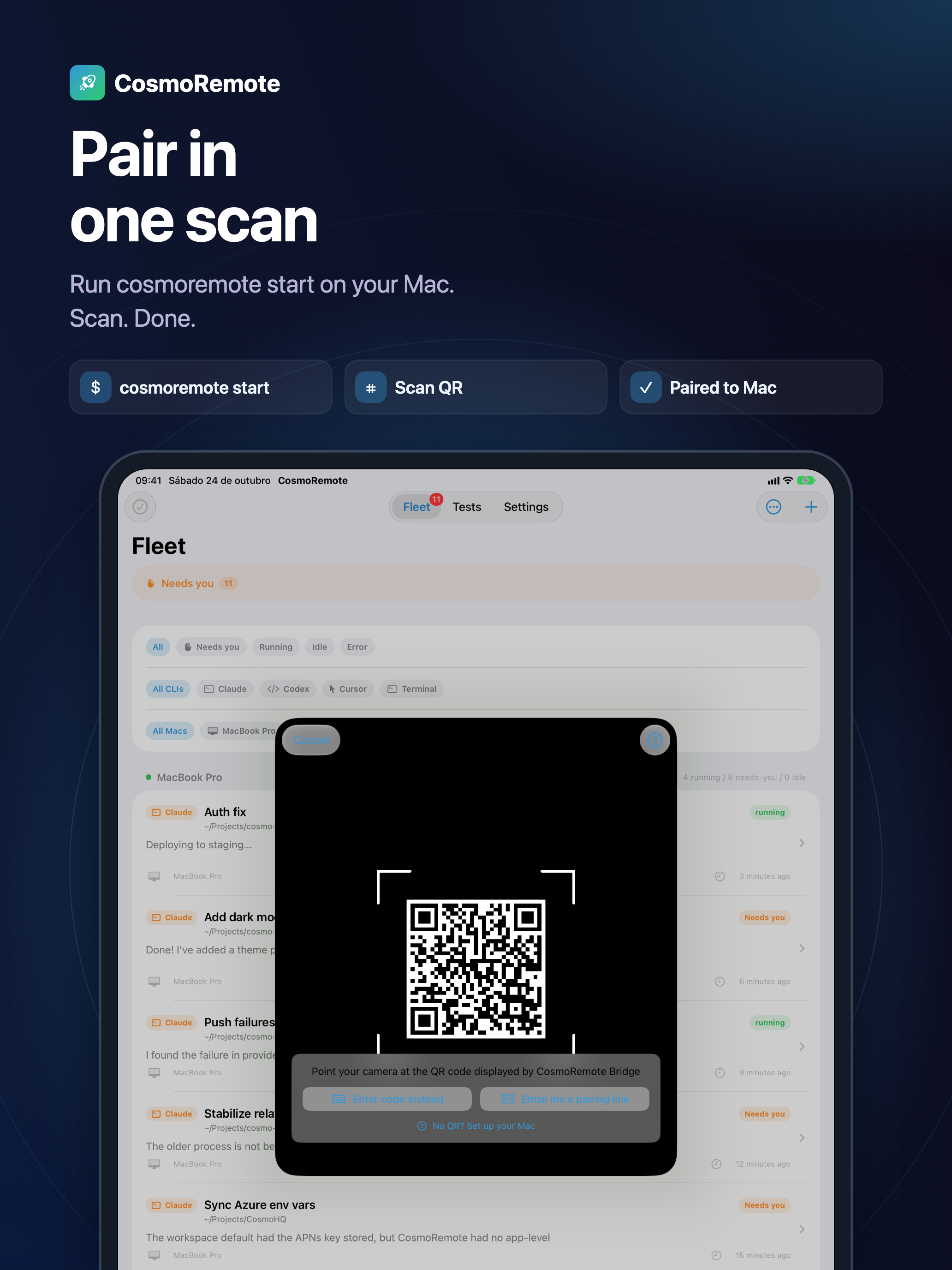
Run cosmoremote start on your Mac. Scan. Done.
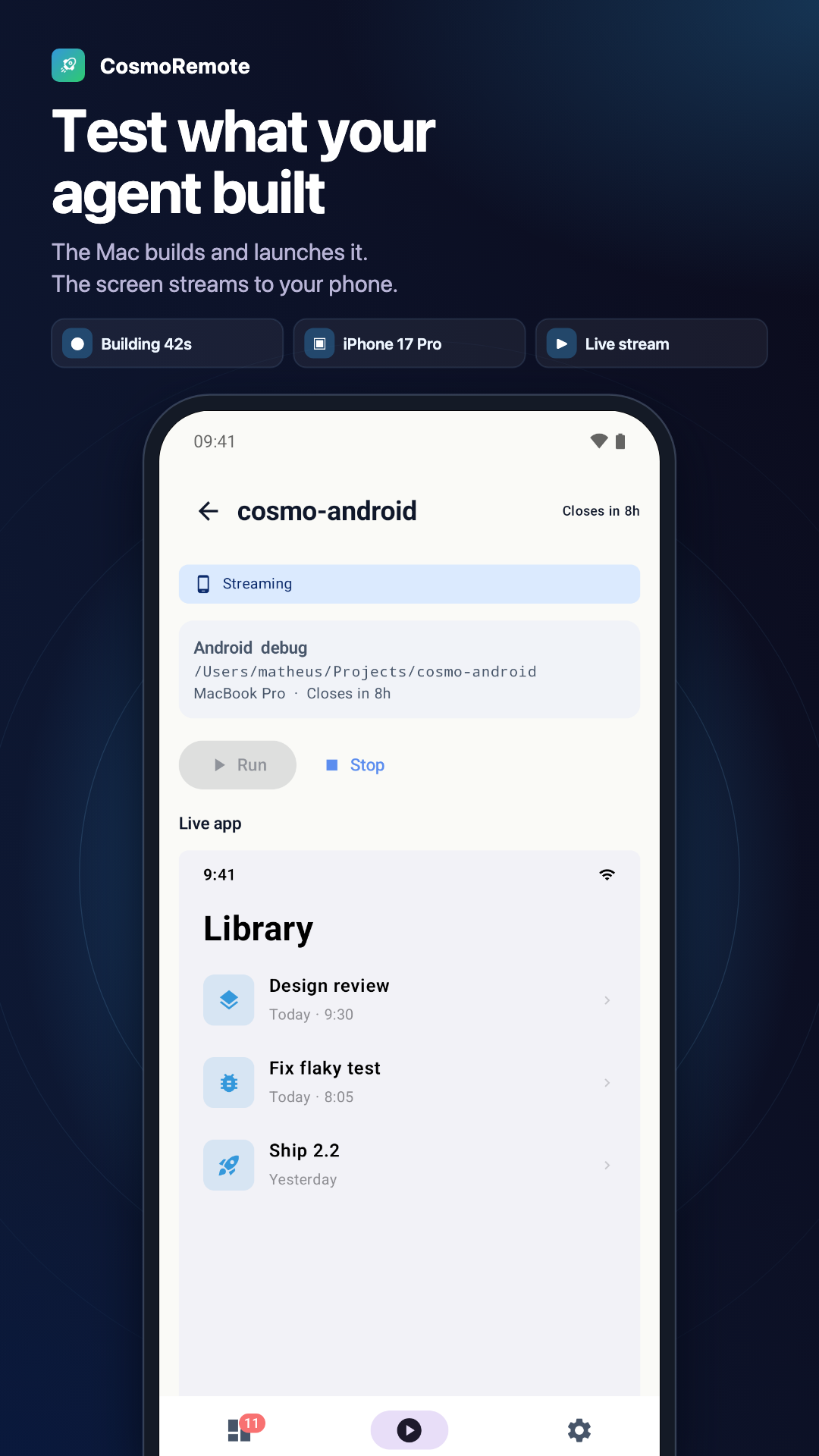
The Mac builds and launches it. The screen streams to your phone.
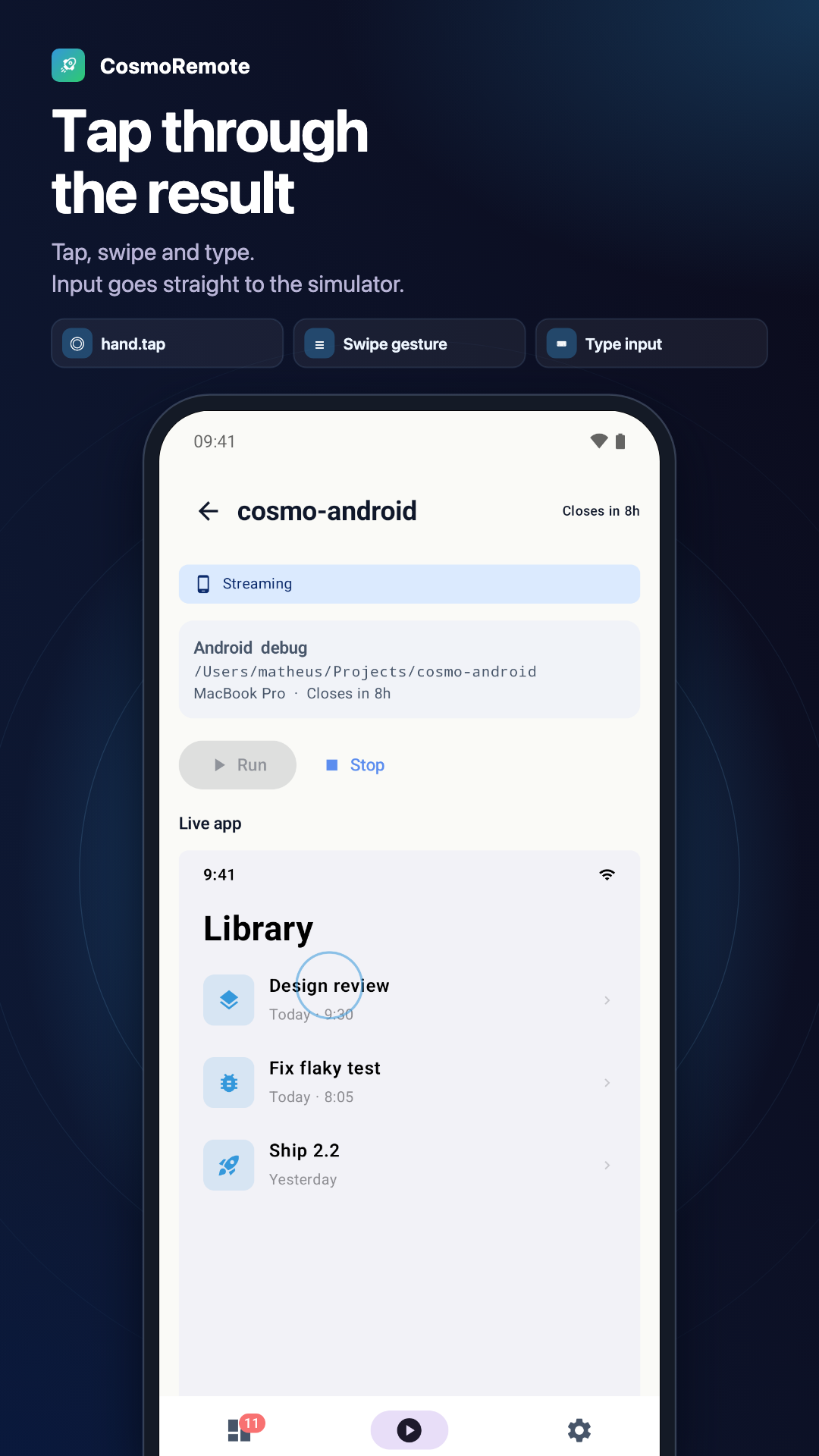
Tap, swipe and type. Input goes straight to the simulator.
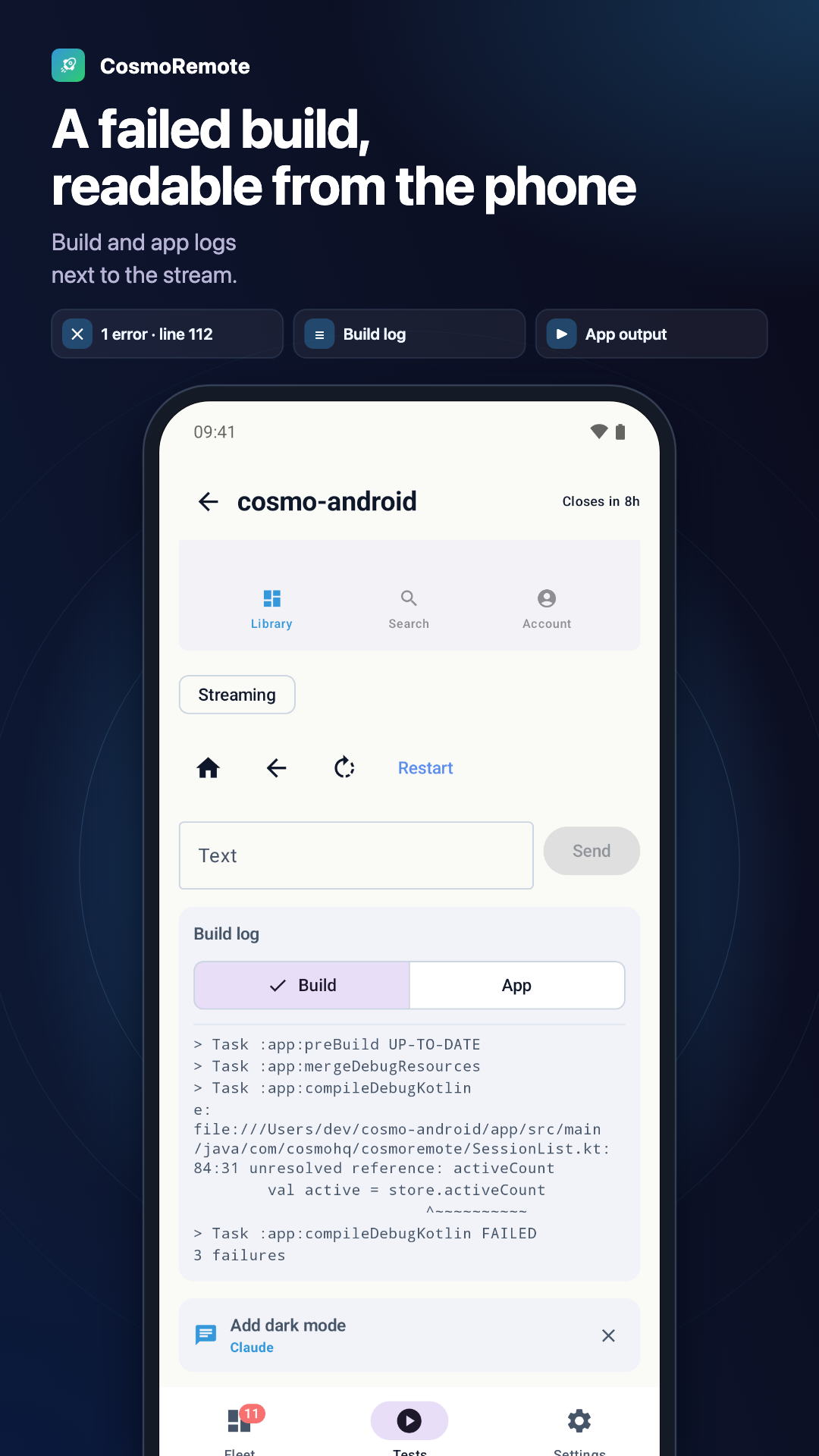
Build and app logs next to the screen.
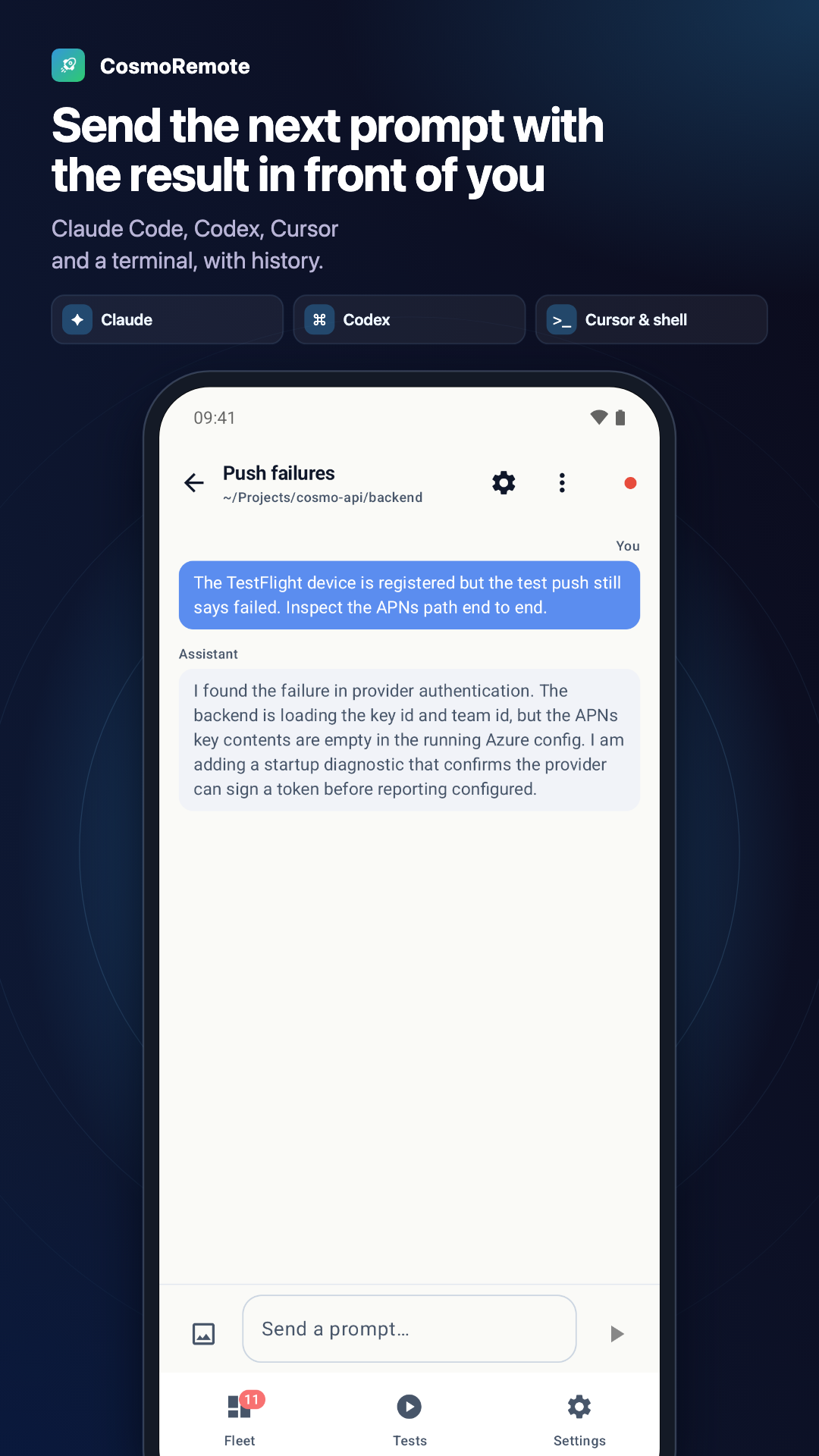
Claude Code, Codex, Cursor and a terminal, with history.
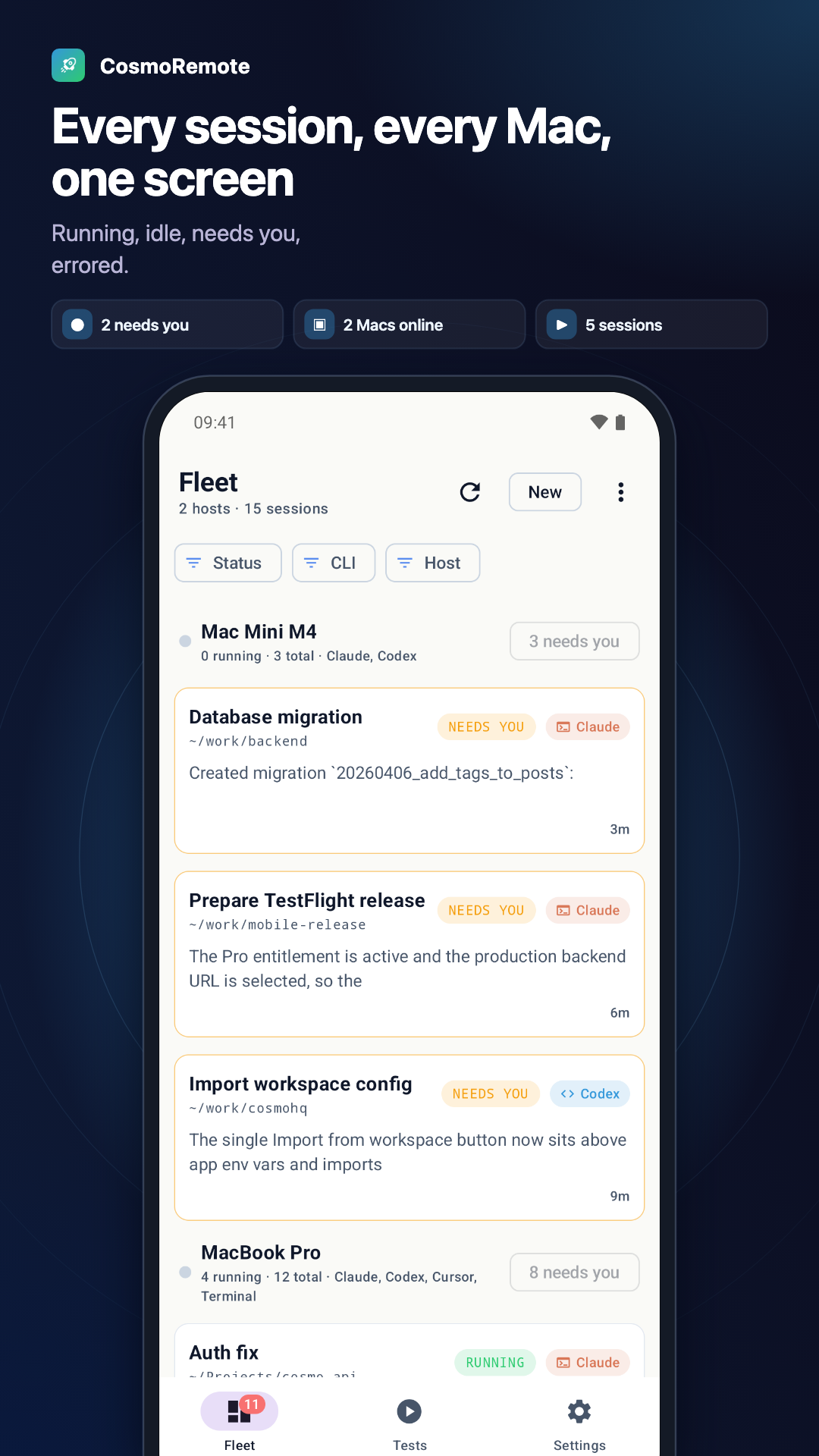
Running, idle, needs you, errored.
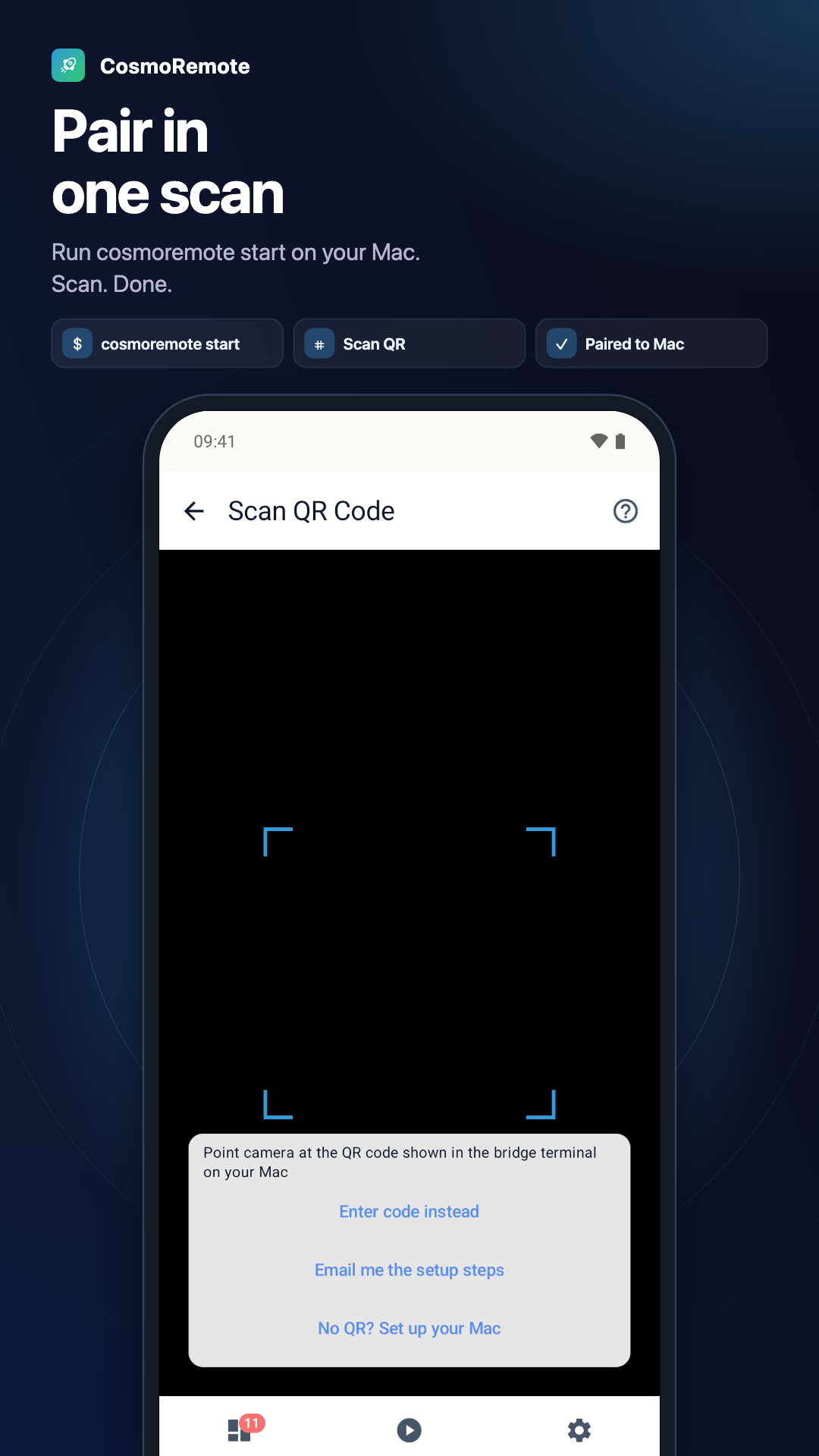
Run cosmoremote start on your Mac. Scan. Done.
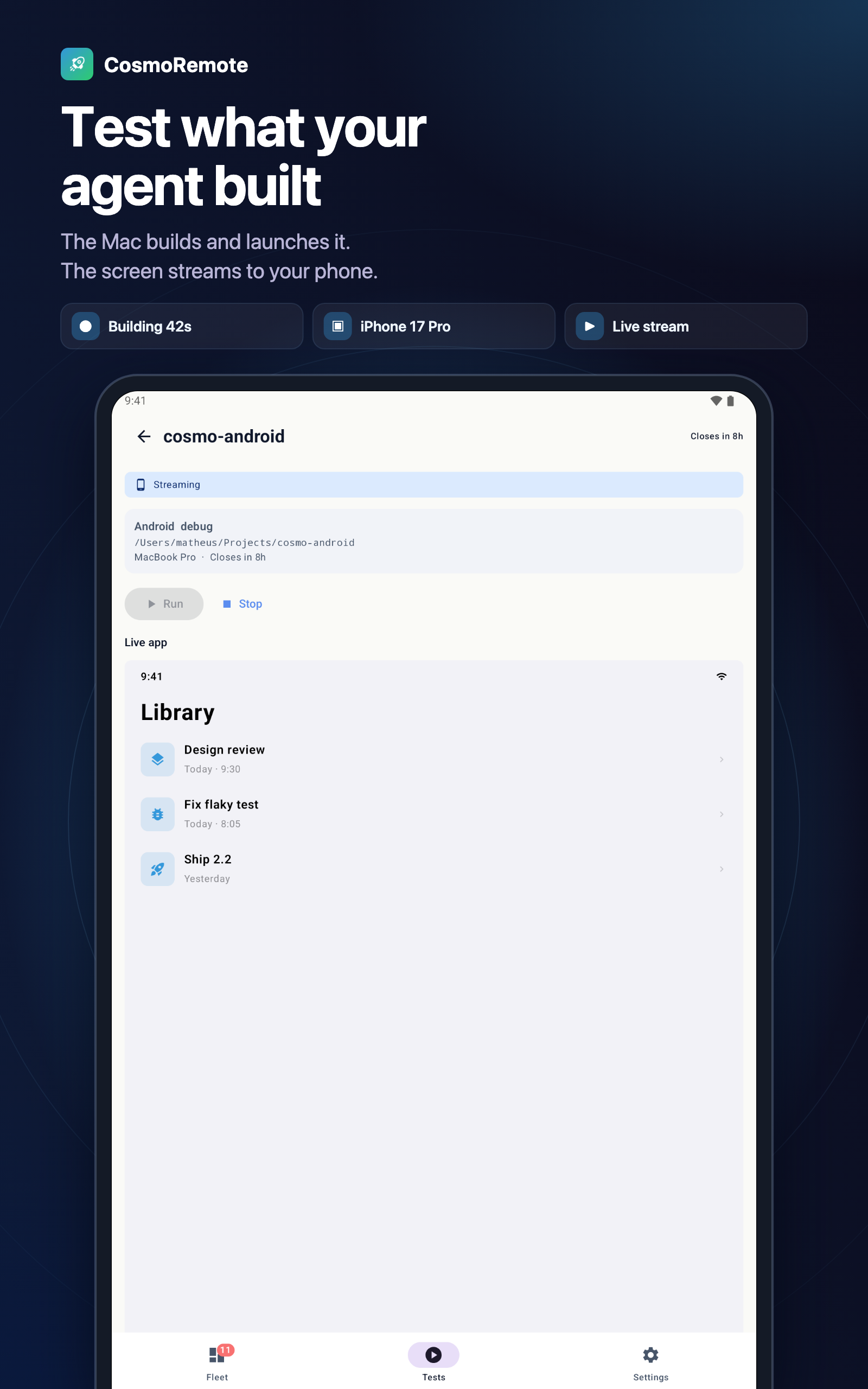
The Mac builds and launches it. The screen streams to your phone.
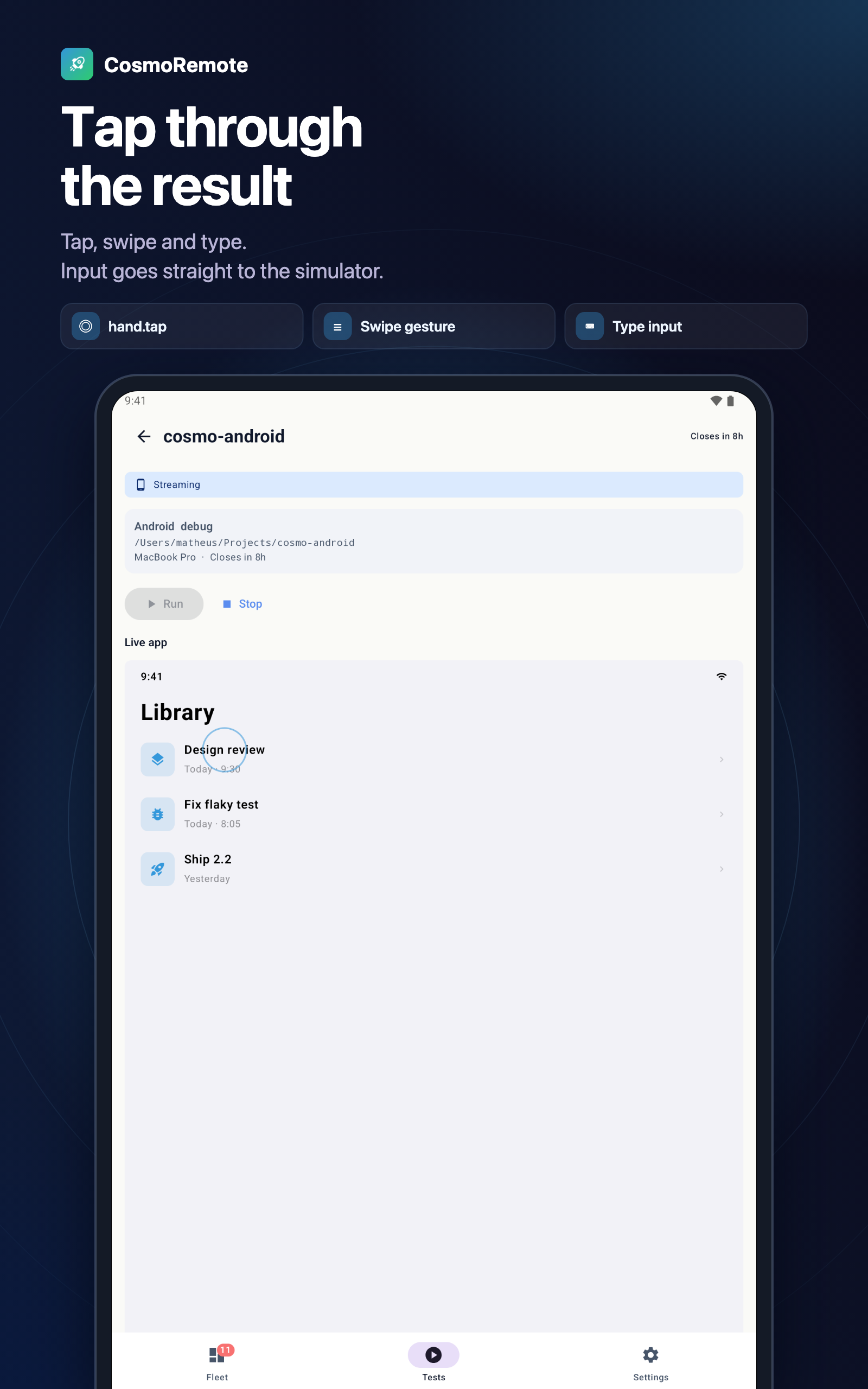
Tap, swipe and type. Input goes straight to the simulator.
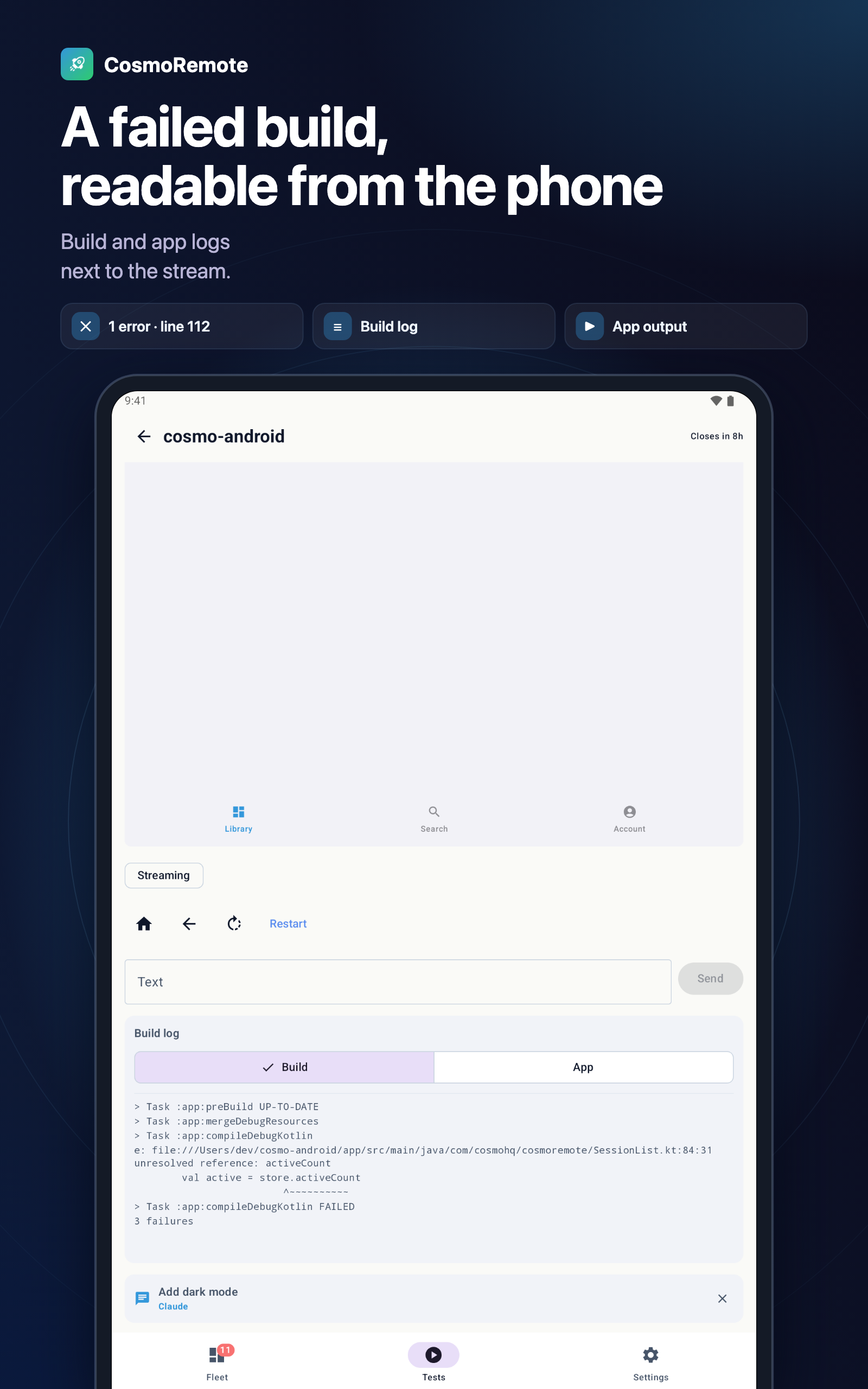
Build and app logs next to the screen.
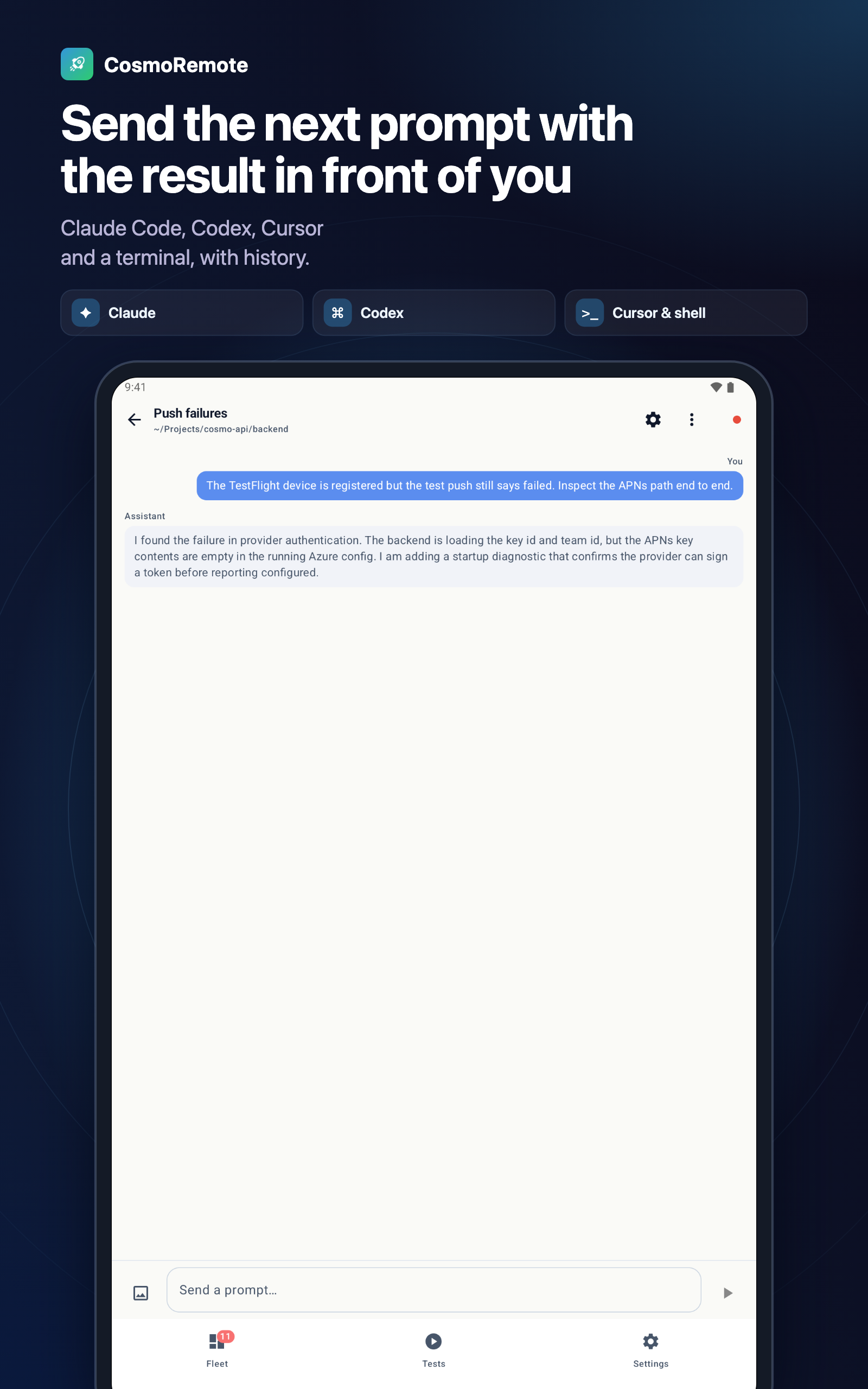
Claude Code, Codex, Cursor and a terminal, with history.
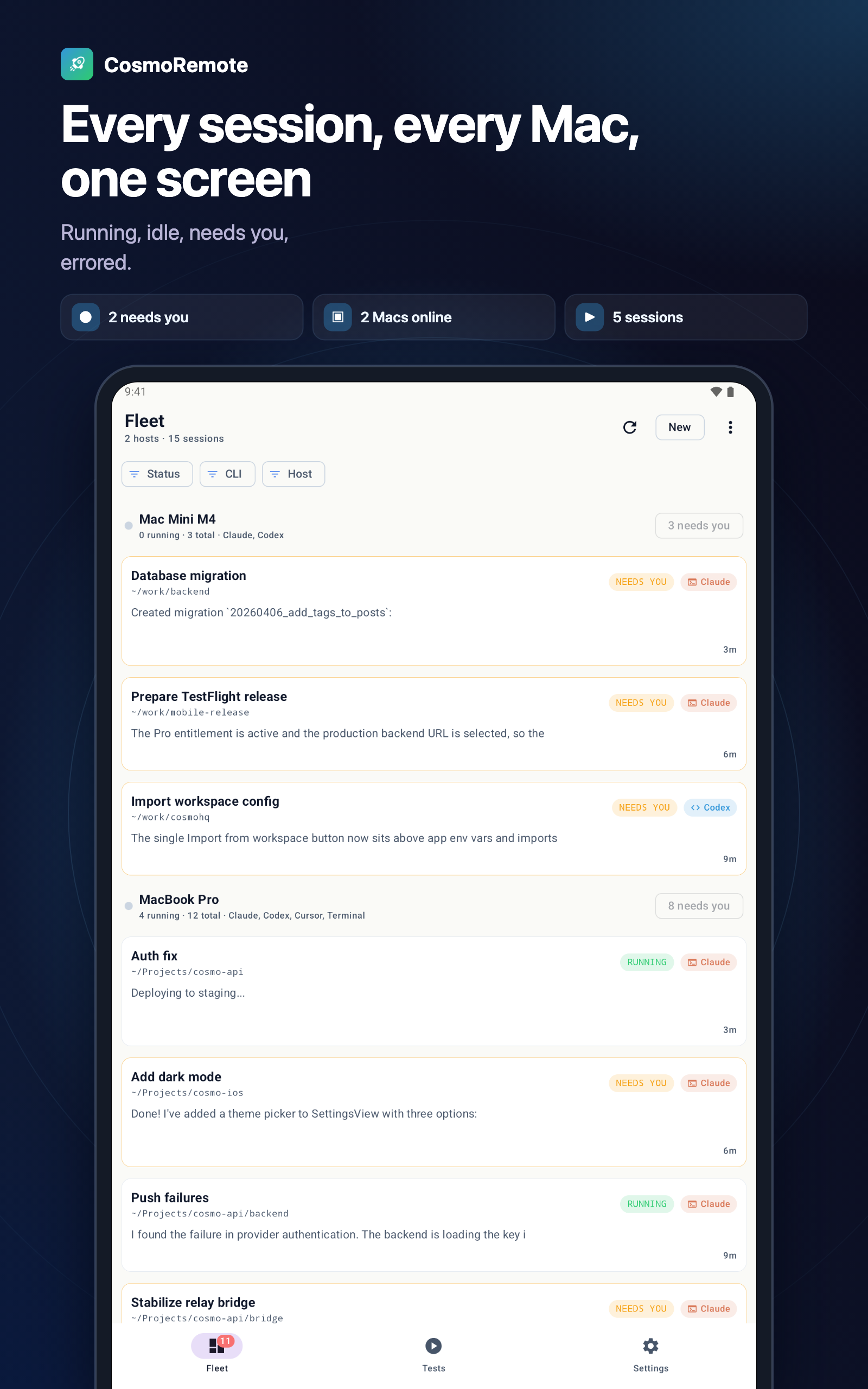
Running, idle, needs you, errored.
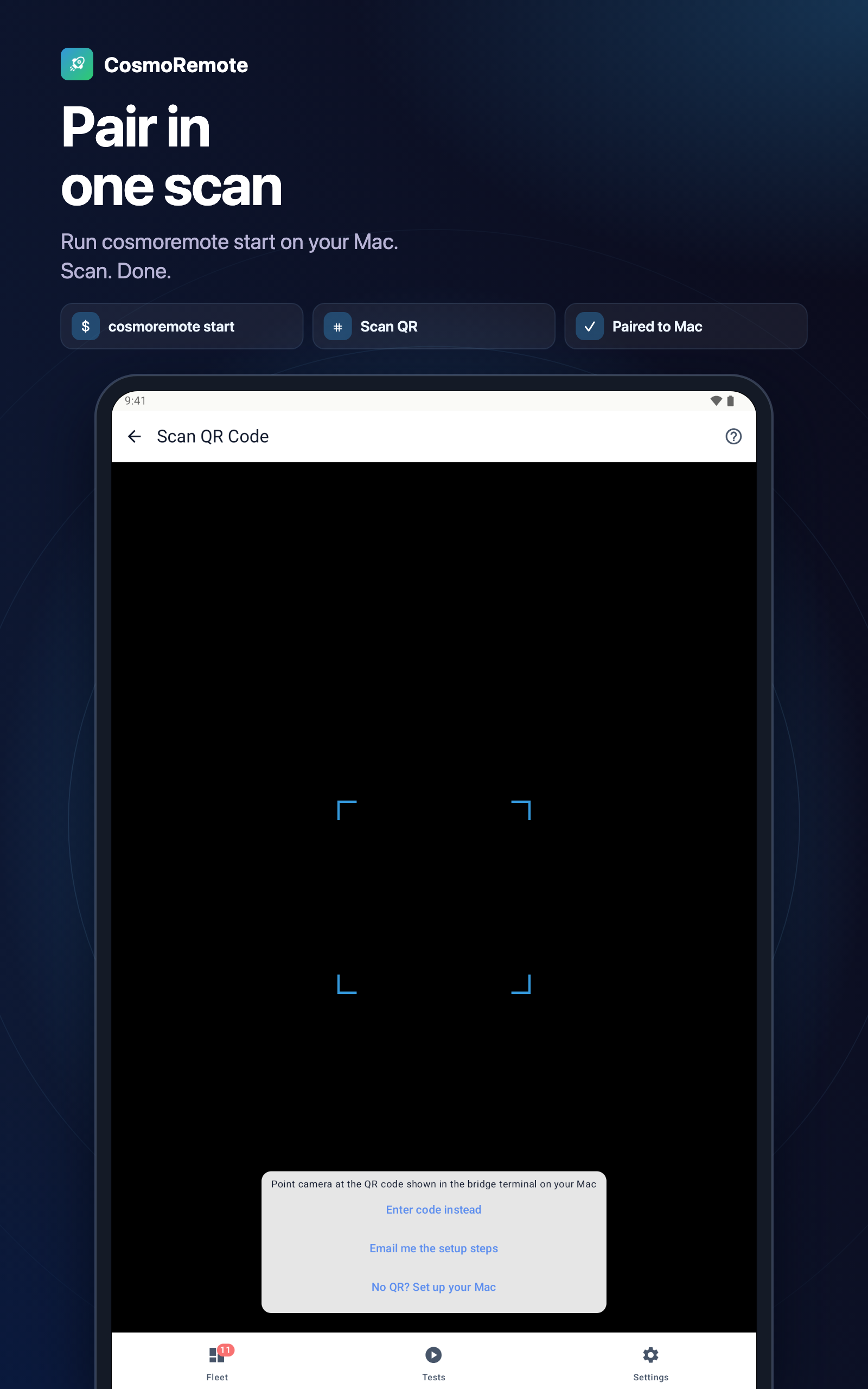
Run cosmoremote start on your Mac. Scan. Done.
Pricing
Free includes unlimited messages, 1 Mac, 2 sessions at a time, and local Tests runs on your home network. Pro adds Tests away from home, multiple Macs and more sessions in parallel.
Free
$0.00
foreverPro Monthly
$2.99
/monthPro available on iPhone and iPad now
Multiple Macs, parallel sessions and remote Tests, billed monthly.
Pro Yearly
Save 16%$29.99
/yearPro available on iPhone and iPad now
Multiple Macs, parallel sessions and remote Tests, billed yearly at the best rate.
$35.88 if billed monthly vs $29.99 on the annual plan.
Downloads
CosmoRemote is live on the App Store and Google Play. Pick your platform below.
Tests, web preview, API client and your Claude Code and Codex sessions - out now on the App Store.
Open in App StoreSame App Store build, more room for sessions, project switching, and output review on iPad.
Open in App StoreBuild and run your project from an emulator, streamed to your phone - the same Tests flow as iOS.
Get it on Google PlayLaunch status
CosmoRemote is live on the App Store and Google Play. Pick your platform below.
FAQ
No inflated metrics, no fake store links, and no invented reviews.